
I’d rather you try my work than trust a sales pitch. My Screen Recorder is completely free, so you can see exactly the kind of software I make before you pay for anything.
🎥 Try the Free Screen Recorder →
I’d rather you try my work than trust a sales pitch. My Screen Recorder is completely free, so you can see exactly the kind of software I make before you pay for anything.
🎥 Try the Free Screen Recorder →One app, one non-destructive timeline, powered by real open-source engines under the hood — not a wrapper around a single library. Here's the actual workflow, and a 90-second look at it running.
A professional interface on top of FFmpeg, Whisper AI and yt-dlp — convert, edit, subtitle and download, no command line.
Every project starts the same way. From there, pick the path that fits what you're making — quick reading below if you want the details, or just glance at this and dive in.
See the Holding Bin, Director Workbench and export flow above actually running, start to finish.
One tool for your entire local video workflow — download, convert, edit, grade, transcribe, dub, and record. No cloud uploads, no accounts, no subscriptions. Click any feature to learn more.
Transcribe any video into subtitles — auto language detection, 20+ languages, burned-in or .SRT. 100% local.
Transcribe audio from any video using OpenAI Whisper. Generates subtitles with automatic language detection and word-level timestamps. Translate to 20+ languages including Polish, Spanish, Japanese, and more. Hardware acceleration available via NVIDIA CUDA (5x–15x speed) and Intel OpenVINO. Delivers burned-in video or a sidecar .SRT file.
Mute the original speech and replace it with a synthetic voice reading your translated .SRT — 60 voices across 19 languages, 100% local. Mac, Windows 11 and Linux.
The step after translation. Transcribe and translate gives you text; this makes the video actually speak it. The original speech is muted and a synthetic voice reads your translated subtitle file, timed so each line lands where the original speaker said it.
Choose from 60 voices across 19 languages — English, Spanish, French, German, Italian, Portuguese, Dutch, Swedish, Polish, Czech, Slovak, Russian, Ukrainian, Turkish, Arabic, Hindi, Chinese, Japanese and Korean, with 20 English voices alone in a range of accents. A Preview button plays about five seconds of any voice before you commit, streaming a small sample clip rather than the whole 63–79 MB model.
Translated lines are rarely the same length as the original, so each one is fitted to its subtitle slot by speeding it up — but only to 1.6×. Past that, sped-up speech stops being intelligible, so a line is allowed to run slightly long instead of being compressed into gibberish. You can also keep the original audio quietly underneath rather than replacing it outright, which preserves music and background.
Because dubbing reads your subtitles rather than translating them, the app checks what language your .SRT is actually written in and warns you if the voice you picked speaks a different one — an English file read by a French voice sounds fluent and means nothing.
Everything runs on your own machine: no API key, no account, no subscription, and nothing uploaded. Voice models download once and are cached from then on. Available on Mac (Apple Silicon), Windows 11 and Linux.

Hand-correct the AI's .SRT, then burn your polished subtitles permanently into the video.
Export the auto-generated .SRT, fix any wording, idioms, or hallucinated lines in a text editor, then feed your corrected .SRT back in. The result is burned permanently into the video, fully time-aligned. Real control for anyone who knows the language.
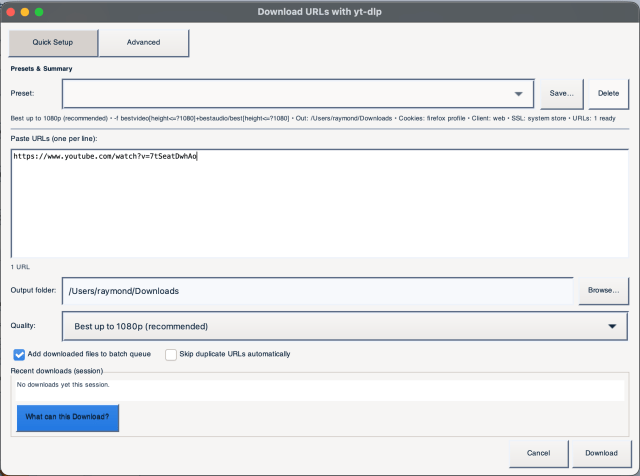
YouTube, Vimeo, Facebook Reels and thousands more — powered by yt-dlp.
Paste a YouTube, Facebook Reel, or web video URL and download it directly into your project. Supports format selection, auto-batch queuing, and custom yt-dlp presets.
Automatically detects DRM-protected and geo-restricted (GEOIP-blocked) content and tells you plainly why a download can't complete — including a note when a VPN might get around a region block — instead of silently retrying through every strategy first. The download button doubles as a live status indicator: it pulses a warm orange while a download runs and turns into a one-click Cancel.
Auto-discovers GoPro media on mounted volumes, with thumbnail grid, hover preview, and automatic chapter merging.
Auto-discovers GoPro media on mounted volumes. Browse clips in a thumbnail grid with hover preview and import directly into your workflow. Automatically detects clips split into multiple files by the camera's recording limit and merges them back into one continuous clip on import.

Import directly from a USB-connected iPhone — no iTunes, no iCloud required.
Import videos straight from a USB-connected iPhone — no iTunes, no iCloud, no third-party sync apps. Powered by pymobiledevice3, the app talks directly to the phone over Apple's AFC protocol and pulls only the clips you select.
Preview thumbnails come from the iPhone's own preview files. Some older iPhone and iOS combinations don't provide them — videos still import in full quality either way.

Point at a ripped DVD's VIDEO_TS folder and convert the disc straight to a modern file.
Choose a VIDEO_TS folder instead of a video file and the tool handles the disc structure for you. It finds the VTS_xx_x.VOB segments, puts them back in the right order, and joins them into one continuous video — so a DVD rip becomes a single MP4 or MKV without you working out which VOB goes where.
You can select more than one VIDEO_TS folder at a time and batch-convert a whole shelf of discs in one run. Preview and Quick Edit work on regular video files rather than VIDEO_TS folders, so convert the disc first if you want to trim it afterwards.
Clean up old VHS tapes and camcorder footage — deinterlace, denoise, fix rainbow shimmer and faded colour, and AI-upscale to HD.
Rescue old tapes and home movies. VHS Fix deinterlaces jittery motion, scrubs away analog noise, calms dot-crawl, revives washed-out colour, and can AI-upscale standard-def footage close to HD with Real-ESRGAN. A Recommendation Scan picks sensible settings automatically, and an A/B before/after preview lets you check a short sample before restoring the whole tape. 100% local. Read the guide →

Bring standard-definition footage up to HD with a neural upscaler that ships built in.
Real-ESRGAN reconstructs detail rather than simply stretching pixels, which is what separates it from an ordinary resize — edges stay clean and faces keep their definition instead of turning soft and blocky. Old camcorder tapes, DVD rips, and low-resolution downloads gain real detail.
You choose how hard it works. Scale runs from 1× — AI cleanup at the original resolution, which is ideal for VHS because it removes noise without inflating the file — up to 4× for a genuinely larger frame. Two models are offered: Video, which is fast and tuned for footage, and Photo, which resolves more detail but runs far slower and suits short clips.
The upscaler is bundled with the app and runs entirely on your own machine — nothing is uploaded, and there is no separate install, no account, and no per-minute charge.
Drop multiple files and convert them all at once with hardware acceleration auto-detected.
Drop multiple files and convert them all at once. Choose from built-in presets like YouTube 1080p, YouTube 4K HEVC, or create your own custom presets. Hardware acceleration (VideoToolbox, NVENC) is auto-detected.

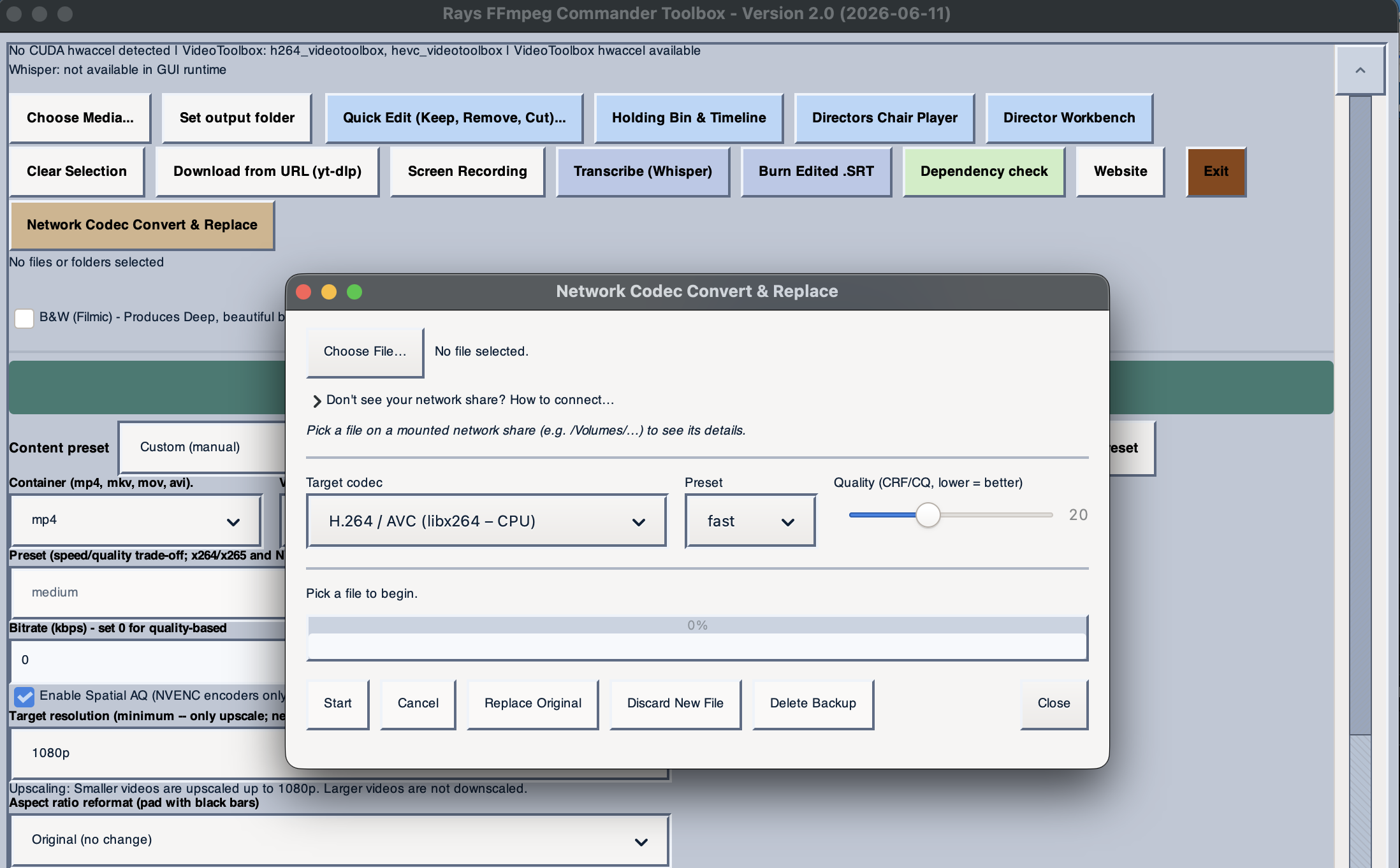
Re-encode files on a network share (SMB/NFS) and replace in place — perfect for Plex/HEVC.
Pick a file straight from a NAS or SMB/NFS share — anything mounted under /Volumes — convert its codec locally, then review the result before optionally replacing the original on the share. Works with Plex, Jellyfin, or any server with file sharing.
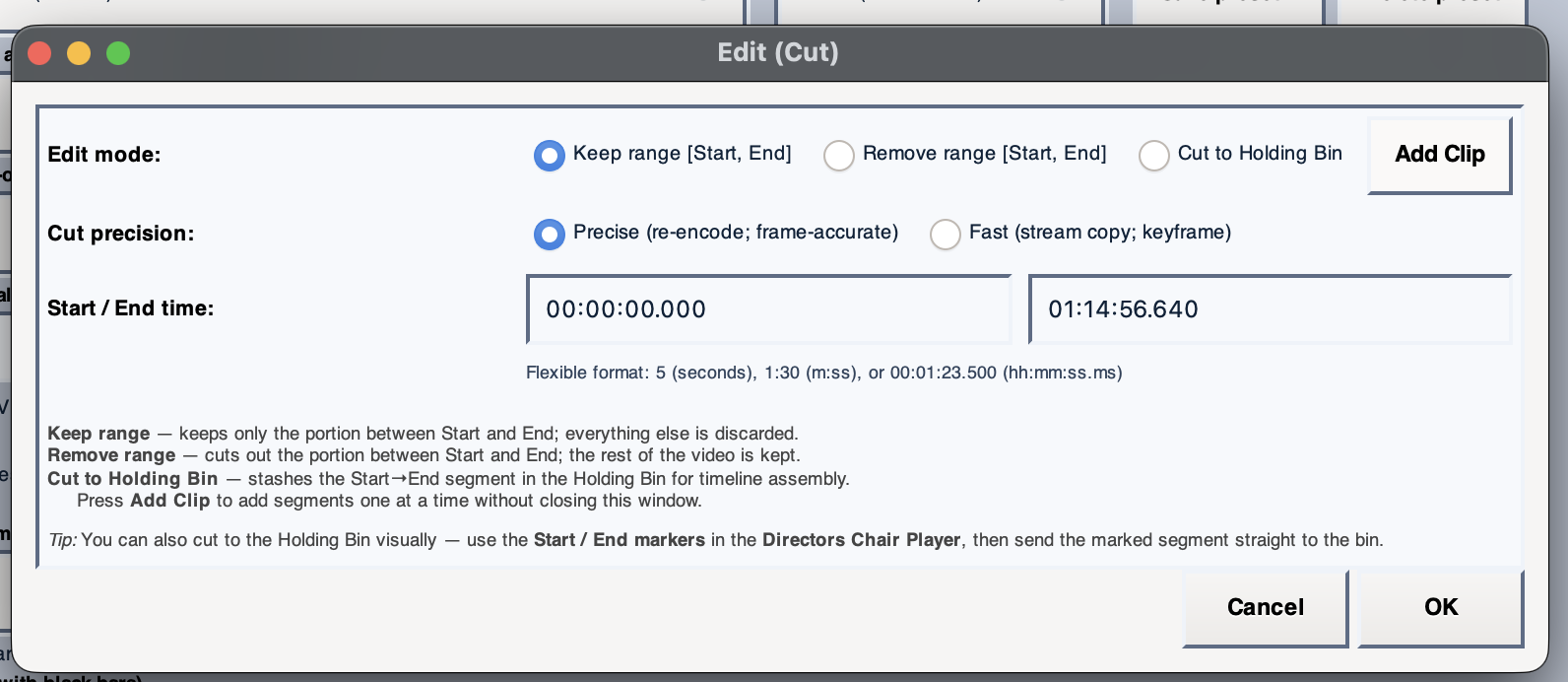
Trim, cut, and remove sections from a clip without re-encoding the whole file.
Trim clips by setting start and end points. Removes sections with frame-accurate cuts and adds the result to the Holding Bin for further editing and export.
Add titles, lower thirds, and captions with custom fonts, colors, timing, and cinematic effects.
Add styled text overlays to any clip — titles, lower thirds, captions, credits. Choose custom fonts, colors, sizes, positions, and timing. Stack multiple overlays per clip with independent start/end points. Includes cinematic effects like fade-in, typewriter, scroll, and Star Wars-style perspective crawl.
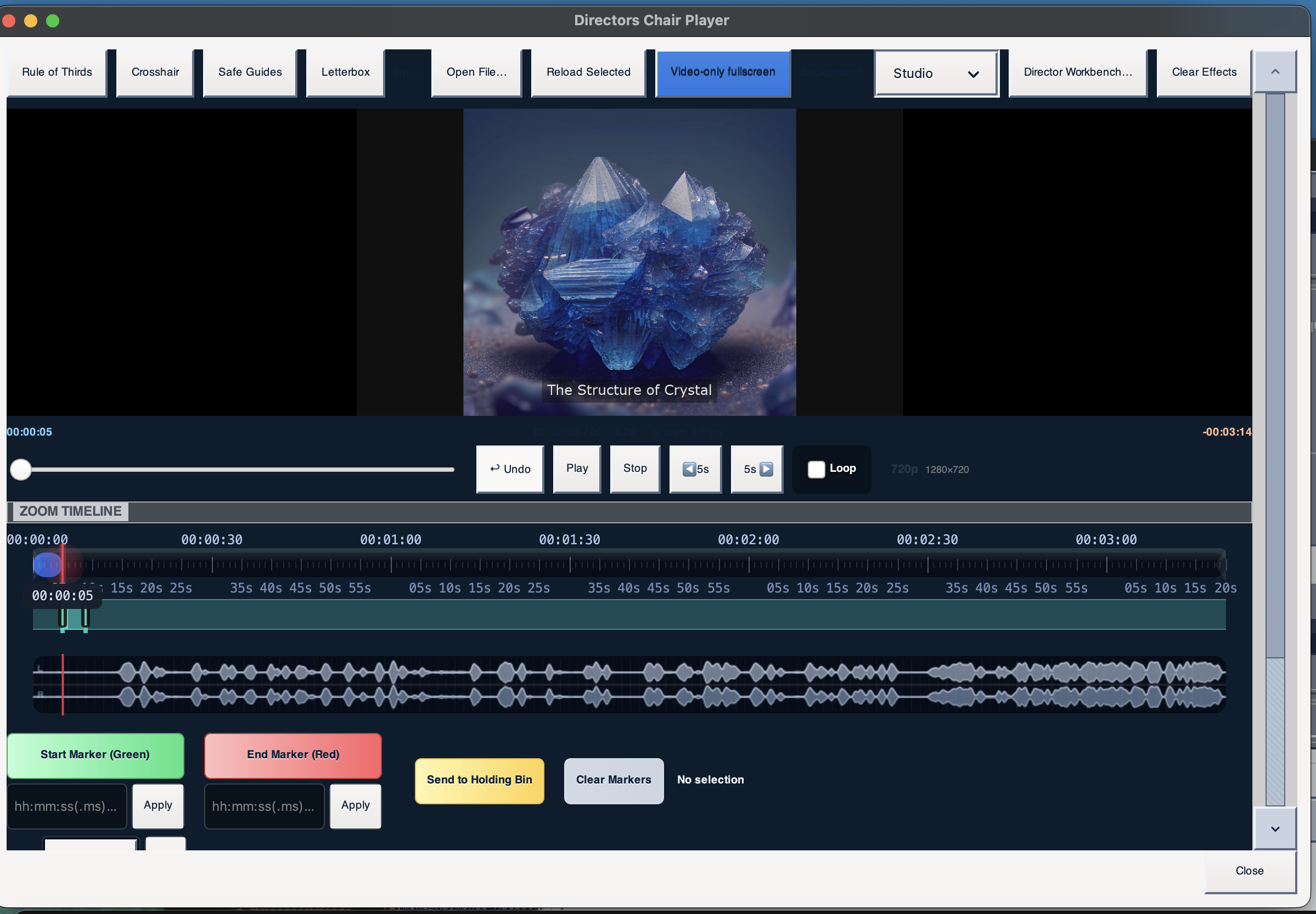
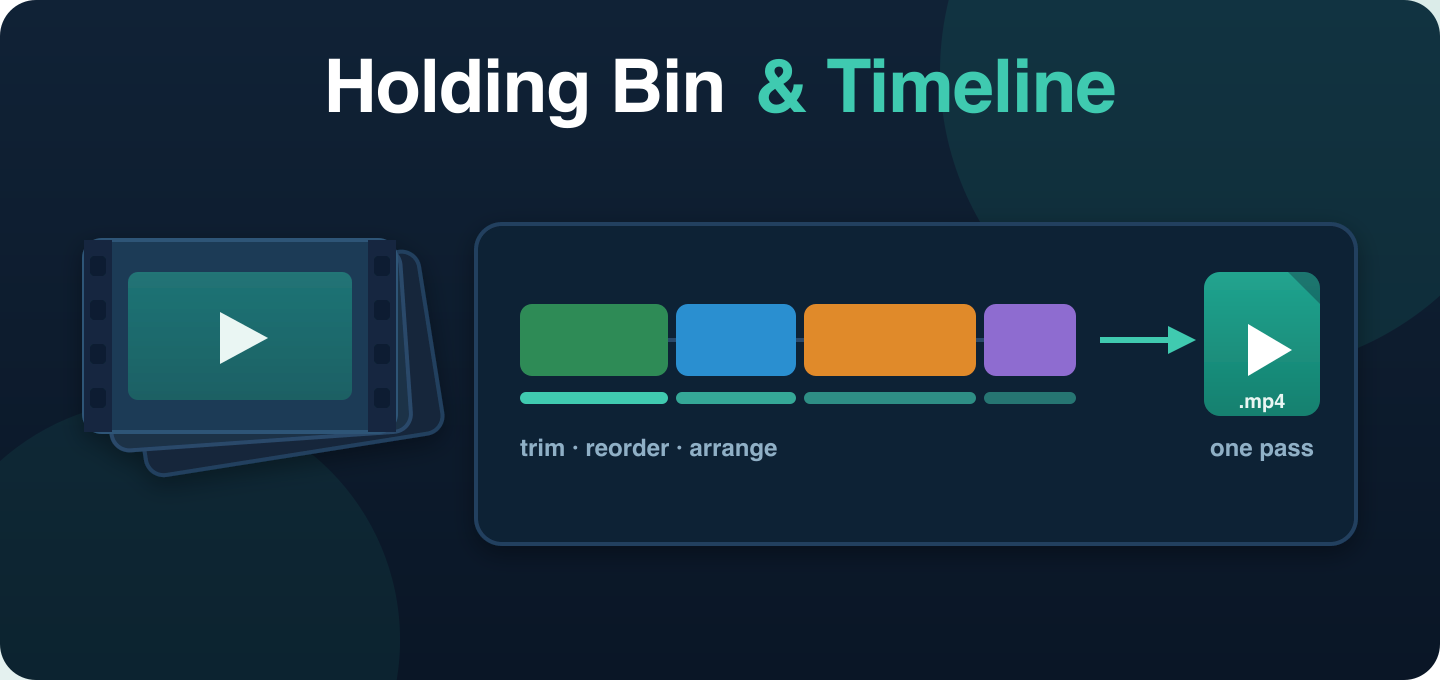
Arrange clips on a timeline, apply effects and transitions, and render to one output file in a single pass.
Collect clips in a visual bin, drag them into order, apply effects and transitions between clips, and render the assembled timeline as a single output file. Non-destructive — all edits are stored as metadata compiled into a single FFmpeg command at render time.
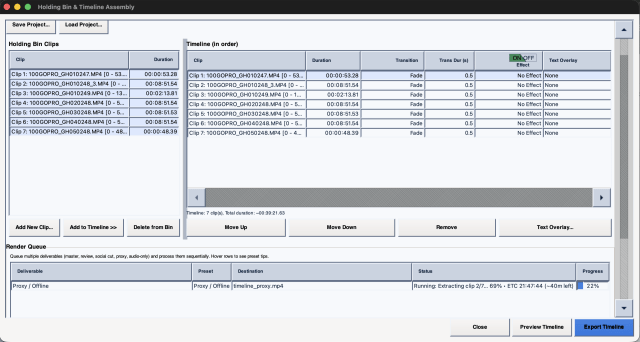
Deep, beautiful black and white with a gentle contrast curve and subtle luma-only grain.
Produces a cinematic black-and-white look with a refined contrast curve and subtle luma-only grain — not a simple desaturate, a real filmic emulation.

Apply professional cinematic grades using standard .cube LUT files. 20 built-in profiles.
20 built-in color LUT profiles for cinematic looks. Compare LUTs side by side in a grid. Import your own .cube, .3dl, or other LUT files for custom grading.

Loudness normalization, 10-band EQ, noise reduction, compression, reverb, and echo.
Professional audio tools built-in: loudness normalization (EBU R128), 10-band parametric EQ with visual curve display, spectral noise reduction, compression, reverb, and echo/delay. Built-in effect chain presets for podcast, broadcast, and music workflows.

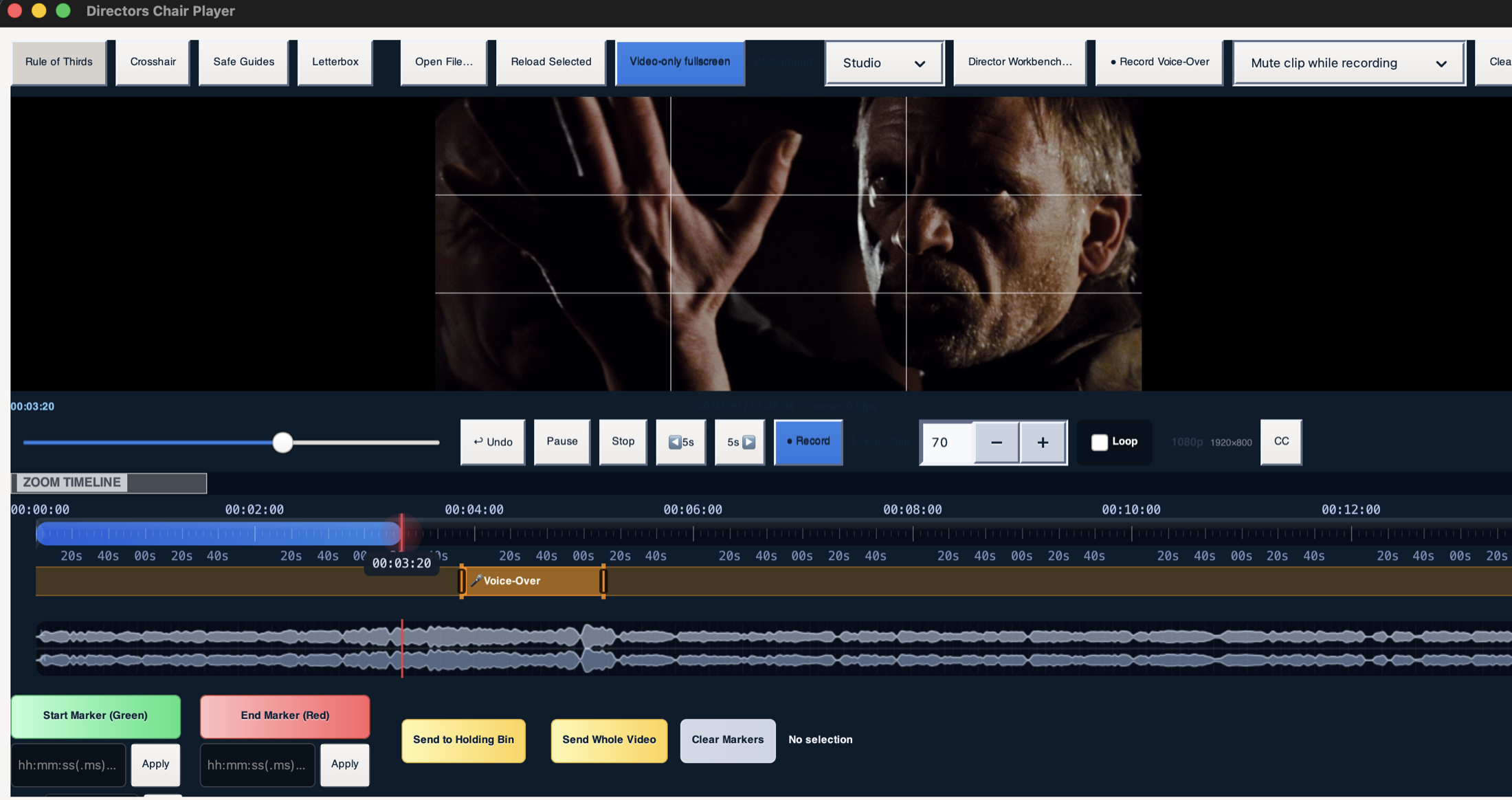
Record narration over your video while you watch it, with the soundtrack ducking underneath.
Place the effect on the timeline where you want to start talking, press record, and narrate while the video plays. Every take is saved beside your video and numbered, so nothing overwrites anything and you can pick the pass you like. The video's own audio fades down under your voice by an adjustable amount and fades back up after — and because the preview runs live rather than rendering a clip first, playback carries straight through with no pause at either edge. Quiet takes are measured and brought up automatically, so a laptop microphone doesn't leave your narration buried under the soundtrack.
Add image or text watermarks with positioning, opacity, and size control.
Design a text watermark once and apply it across all your exports. Supports custom fonts, position, opacity, size, shadow, and background box controls.

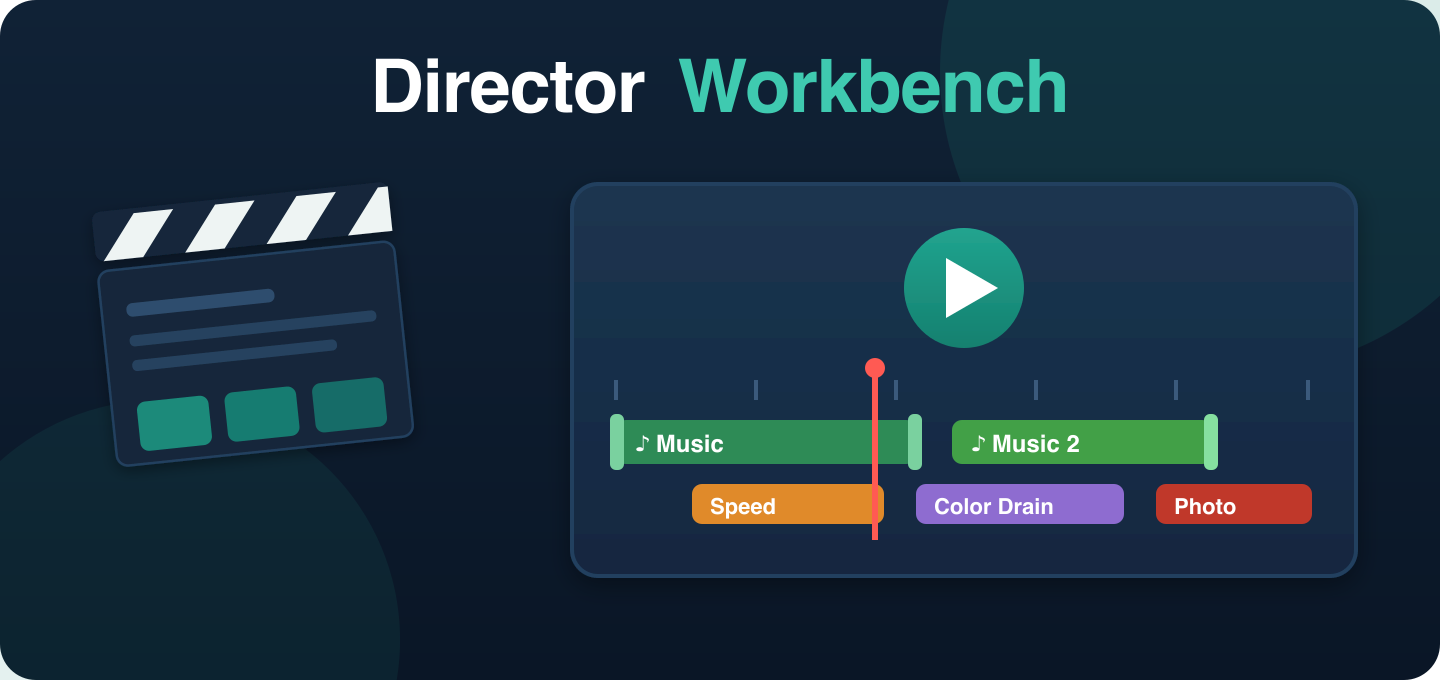
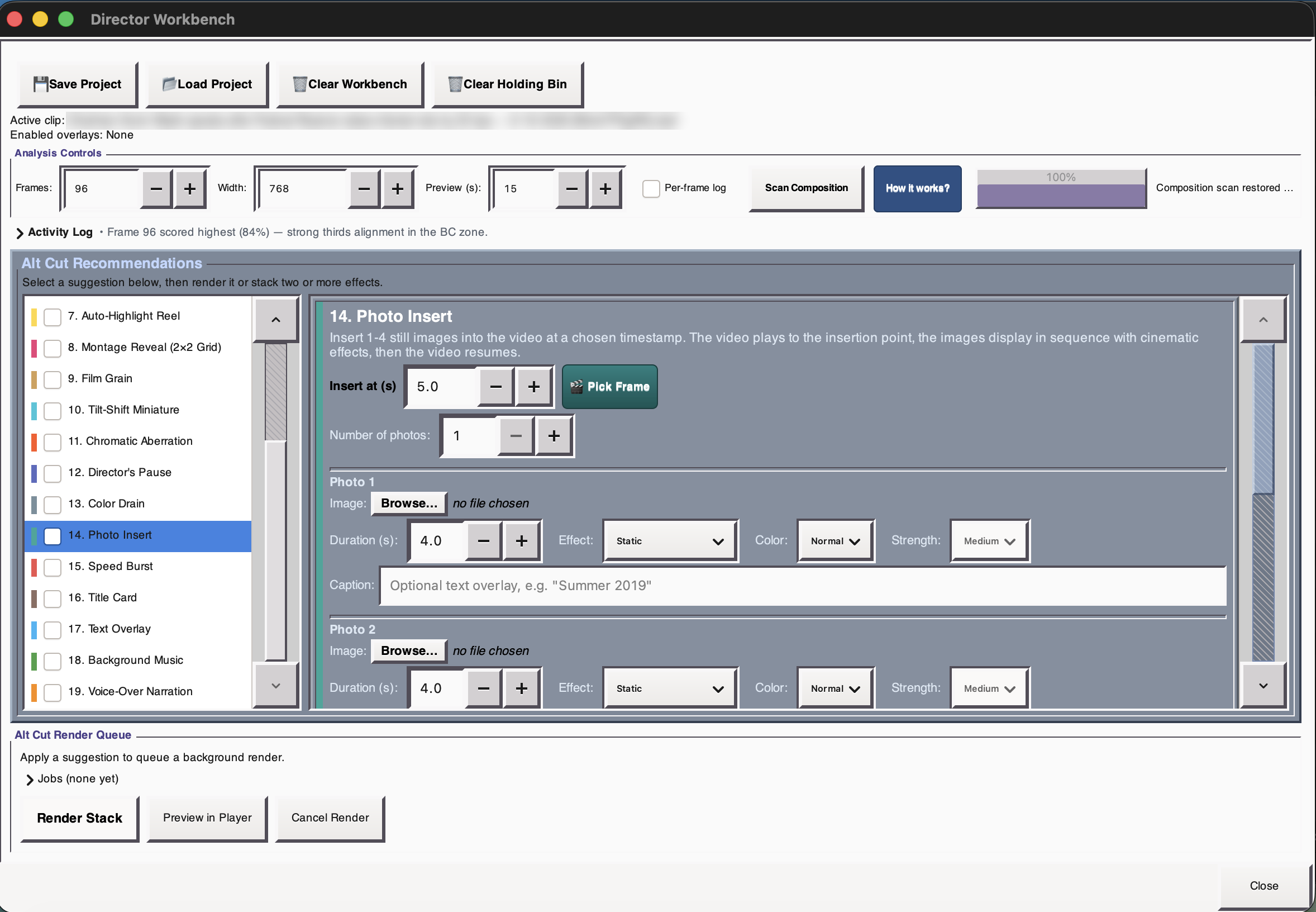
Stack timed effects on a timeline — Speed Burst, Color Drain, Photo Insert, and more. Preview live, render once.
A creative workspace that analyzes your clips and suggests creative directions. Stack timed effects with draggable timeline regions and real-time preview. Speed Burst, Color Drain, Photo Insert, Letterbox, and many more. Save entire sessions as .ffcdirector project files.
Adapts to whichever tool is active — scrub clips, preview effects before rendering.
GStreamer-powered preview player with overlay controls, seek controls, and timeline scrubbing. Dynamically adapts to whichever tool is active — Holding Bin timeline or Director Workbench effects.
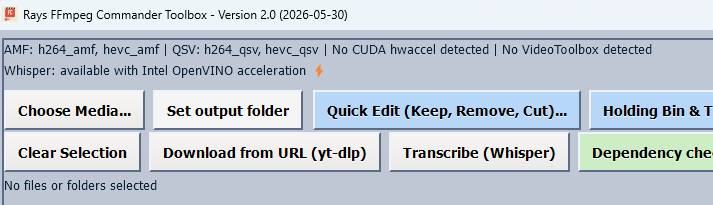
A full log of everything happening — expand, copy, search, or clear at any time.
A comprehensive log screen with Expand/Hide, Clear, Copy, and Search controls. Shows exactly what FFmpeg is doing at every step — useful for troubleshooting or reporting issues.
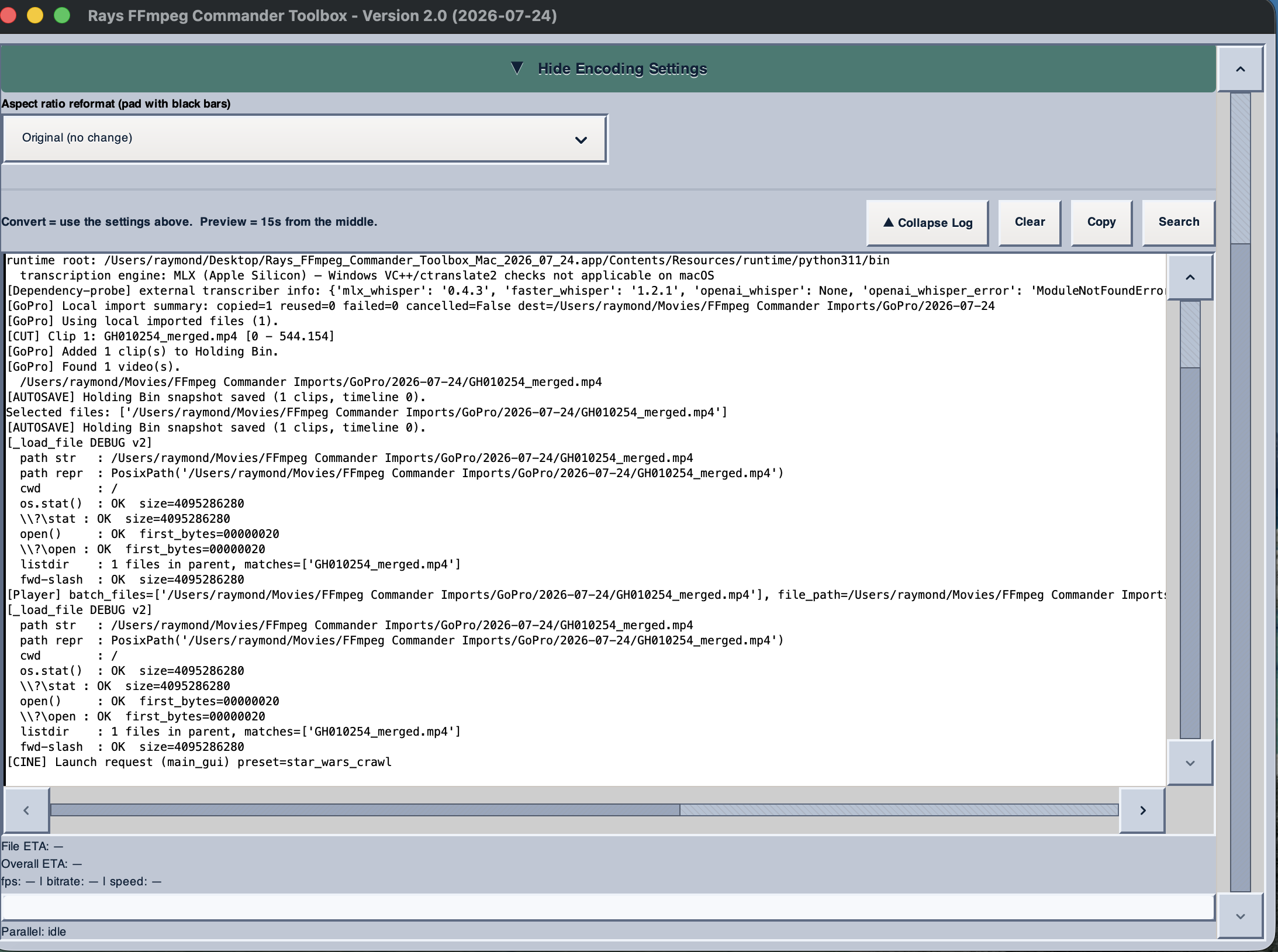
If the app ever stops unexpectedly, it keeps the report — one click to copy and send.
Most software loses the evidence the moment it closes, which leaves you describing what happened from memory. This tool writes a record instead: what it was doing, which version, and on what system. The button sits quietly next to Exit and only turns red when there is something new to look at.
Open it and you get the full history, not just the last incident, with Copy to Clipboard and Clear History. Paste it into an email and I get what I actually need to fix the problem — no screenshots of error boxes, no guesswork.
The report stays on your machine and is never sent anywhere automatically. Nothing leaves your computer unless you choose to paste it into a message yourself.

The app checks for new versions on its own and tells you right in the window — no need to check this site.
Checks quietly in the background, at most once a day. When a newer version is out, a dismissible bar appears at the top of the window with What's New, Download, Remind me later, and Skip this version.
Have your license key handy? Download starts immediately. Only have the email you purchased with? A fresh download link gets emailed to that same address instead — no digging through the Order page either way.
This is where FFmpeg Commander goes beyond conversion and into creative filmmaking.
The Workbench analyzes your loaded clips — duration, scene changes, audio levels, visual content — and generates a set of creative suggestions you can render with one click. Unlike the Holding Bin (which stores edit decisions as metadata and renders them in a single FFmpeg pass at export time), the Director Workbench operates directly on the video: effects are pre-rendered into actual video segments and played back through GStreamer in real time, so you see exactly what the final output will look like as you drag effect regions around the timeline.
FFmpeg Commander includes a full suite of audio tools for production, podcasting, and music workflows — all available as editable processing chains inside the app.
All of these options are surfaced as sliders and presets in the GUI — no need to write FFmpeg filter chains by hand.
FFmpeg Commander is cross-platform. Hardware acceleration is auto-detected per platform:
Version 2 is production-ready and battle-tested — with active beta testers, real-world feedback, and a steady stream of improvements. It's stable software built by one developer who uses it daily and stands behind it.
Mute a video's original speech and replace it with a synthetic voice reading your translated subtitles — timed so each line lands where the original speaker said it. 60 voices across 19 languages, and you can hear any of them before you commit.
It runs entirely on your own machine. No API key, no account, no per-minute cloud billing, and nothing uploaded — which is how most dubbing tools charge for this.
Available on Mac (Apple Silicon), Windows 11 and Linux.
See How It Works → All about video dubbing →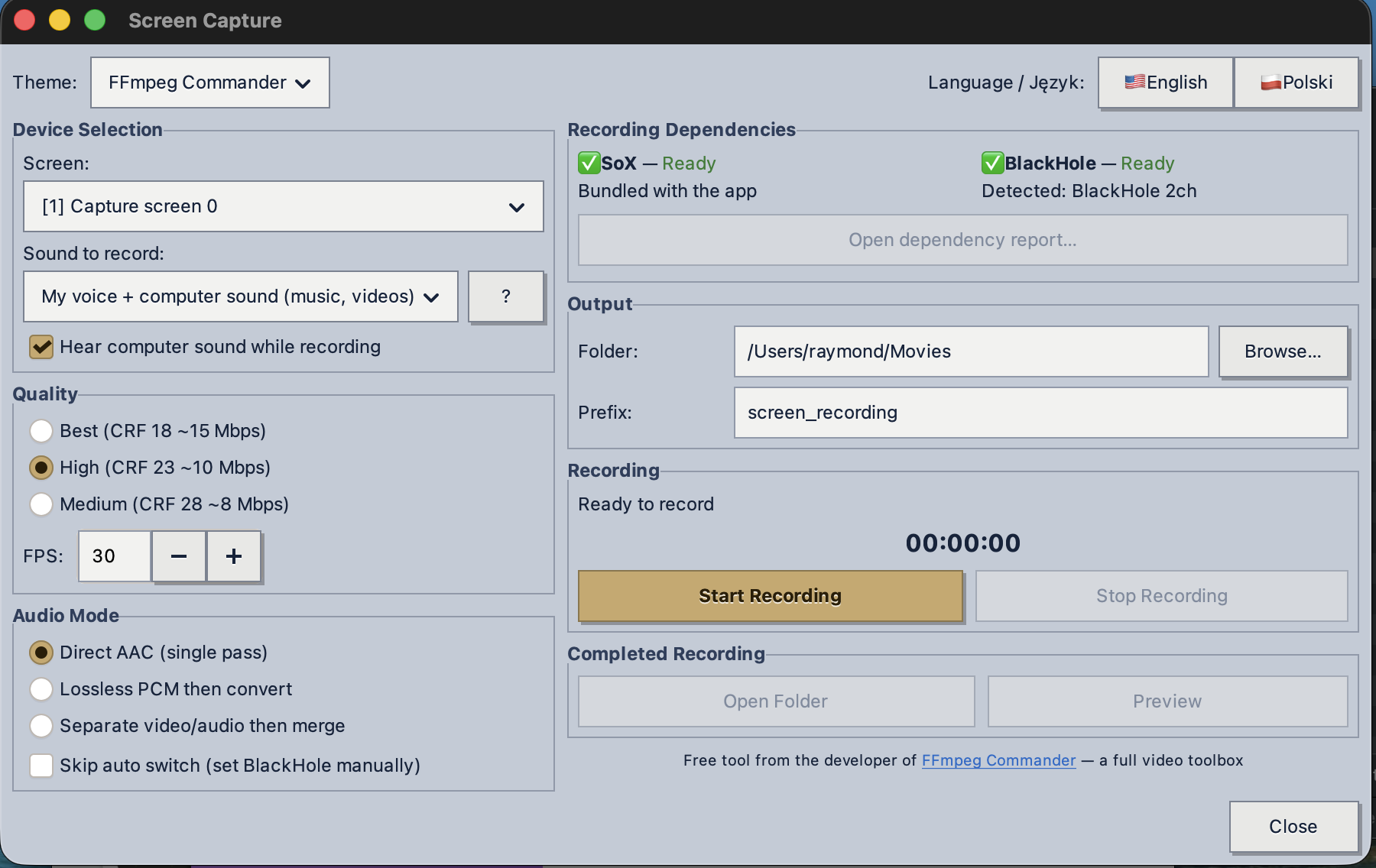
Not sure about spending $45 on software from a developer you just met? Fair enough. I also built a free screen recorder for the Mac — it records your screen with your voice and the computer's sound mixed together, runs entirely on your machine, no account, no cloud. Same philosophy as everything here, zero cost.
If you like how the free one is built, you already know what to expect from the full toolbox.
Get the Free Screen Recorder →FFmpeg Commander was built on one non-negotiable rule: your files never leave your machine. As a Gen X developer inspired by Solaris and Mac OS 9, I wanted software that gets out of your way and lets you work — clean, focused, and built for substance over flash.
Read the Philosophy →FFmpeg Commander Video Toolbox — 2026